What Is Workflow Automation? The Complete Guide to Streamlining Your Business

Picture this: your team spends hours each week copying data between spreadsheets, sending follow-up emails, and routing approval requests. Now imagine all those tasks happening automatically while your people focus on work that actually moves the needle.
That’s what workflow automation delivers.
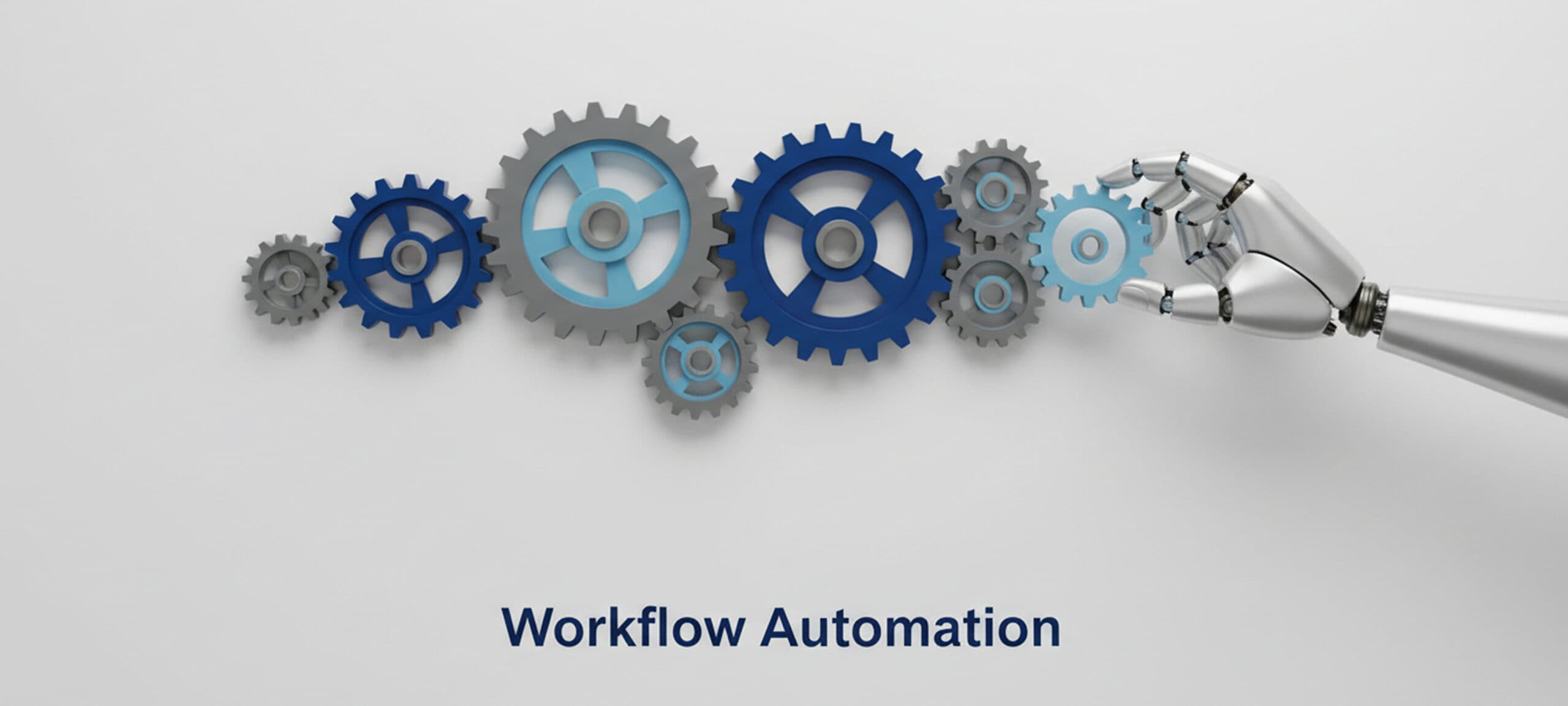
What is workflow automation? It’s technology that handles repetitive tasks by following predefined rules, eliminating manual steps from your daily processes. When a trigger occurs, like a form submission or status change the system executes a sequence of actions without human intervention.
The numbers tell the story. Organizations using workflow automation report 40-60% efficiency gains and 30% operational cost reductions. By end of 2026, 69% of managerial work will be automated, according to Gartner research.
Understanding What Is Workflow Automation: Beyond the Basics
Workflow automation replaces manual task execution with software-driven processes. You define a trigger (the “if”), set conditions, and specify actions (the “then”). For example: If a customer submits a support ticket marked “urgent,” then assign it to the senior support specialist and send a Slack notification to the team lead.
The system follows these rules consistently, executing tasks in seconds that would take humans minutes or hours.
Every automated workflow contains three elements:
Triggers (events like receiving an email or reaching a deadline), Conditions (decision points that route tasks based on criteria), and Actions (the actual tasks performed automatically).
Why Workflow Automation Matters Now
Manual processes drain employee morale, introduce errors, and create bottlenecks. The workflow automation market reached $20.3 billion in 2023 and is growing at 10.1% annually.
Labor costs keep rising while automation handles repetitive tasks at a fraction of the cost. Error rates drop from 1-4% to near zero. Speed becomes a competitive advantage, loan applications that took three days now complete in three hours. And customer expectations demand instant responses at scale.
Workflow Automation Use Cases
Sales and Marketing Workflows
A lead fills out your contact form at 2 AM. Your automation system immediately sends a confirmation email, enriches their data, scores them based on company size, then assigns them to the right sales rep with a notification. Marketing teams automate campaign sequences—when someone downloads an ebook, they enter a nurture sequence with timed follow-ups.
Finance and Accounting Automation
Automated workflows extract data from invoice PDFs, validate amounts against contracts, route to the appropriate approver based on spend thresholds, and schedule payment. Processing time drops from 7-10 days to under 24 hours. Finance teams report 50% faster processing and 20-30% cost reductions.
HR and Employee Management
When HR marks an employee as “hired,” it triggers the complete onboarding sequence. The new hire receives their welcome email with a checklist. IT provisions accounts. Facilities receives equipment requests. Training sessions auto-schedule. What took three days now happens automatically in hours.
This handoff is increasingly fed by AI recruiting software, which standardizes candidate data and ensures a clean transition from selection to onboarding.
Customer Support Operations
Automated systems scan incoming messages, extract key information, classify issues using AI, assign priority levels, and route to specialists based on expertise and workload. Companies report 40-50% faster response times after automating ticket routing.
The Business Impact: What the Data Shows
Organizations implementing workflow automation see measurable improvements. 66% of knowledge workers report increased productivity. The average technical leader saves four hours per 40-hour week, 10% of their time freed for strategic work.
Automation cuts operational costs by 30% on average. Automated processes run 40-60% faster than manual execution. Claims processing that took weeks now completes in days. This standardization is crucial for compliance-heavy industries like healthcare and finance.
Types of Workflows You Can Automate
Not all workflows are created equal. Understanding the different types helps you identify the best automation opportunities.
Sequential workflows move through steps in order. Employee onboarding, invoice processing, and content approval all follow linear paths. Each step must complete before the next begins.
Parallel workflows handle multiple tasks simultaneously. During a product launch, marketing creates campaigns while sales contacts prospects and support prepares documentation. These streams run independently but coordinate at key points.
State machine workflows move between different states based on conditions. A support ticket might be “new,” “assigned,” “in progress,” “waiting for customer,” or “resolved.” It can move between these states as circumstances change, not just in one direction.
Rules-driven workflows make decisions based on complex logic. Loan approvals, for instance, consider credit scores, income levels, debt ratios, and employment history. Different combinations trigger different approval paths.
Choosing the Right Processes to Automate
Start with processes that offer the highest return. Look for high volume and frequency—tasks performed daily or weekly yield better ROI. If your team handles 100 expense reports weekly, that’s 5,200 annually.
The best candidates are rule-based and predictable, time-consuming but low-value (data entry, file transfers), error-prone when manual, and involve cross-system integration points.
Avoid automating processes that are still being defined, require complex human judgment, involve exceptions more than rules, or are low volume and infrequent.
Getting Started: Your Implementation Roadmap
Map Your Current Process
Document every step in the workflow you want to automate. Who does what? When? What triggers each action? Create a visual map showing the flow, decision points, and handoffs between departments.
Identify Improvement Opportunities
Look at your process map critically. Which steps add no value? Where do delays occur? Don’t automate a broken process—fix it first, then automate.
Start Small and Prove Value
Choose one straightforward workflow for your pilot. Run it in shadow mode first, where automation runs alongside the manual process. Compare results before going live.
Monitor, Measure, and Iterate
Track time saved, error rates, completion speed, and employee satisfaction. Review weekly initially, then monthly. Expect to make adjustments as real-world use reveals edge cases.
Scale What Works
Once your pilot proves successful, expand to similar workflows. Build a library of reusable components and templates.
How AI Enhances Workflow Automation
Traditional automation follows static rules. AI-powered automation adapts and learns.
Intelligent document processing extracts data from PDFs, emails, and scanned documents. It understands context, not just keywords, making it effective for processing invoices and contracts that vary in format.
Natural language processing analyzes text to determine intent and sentiment. Customer support automation uses NLP to route tickets based on what customers actually need.
Predictive analytics anticipates what should happen next. In inventory management, AI predicts reorder timing based on seasonal patterns, sales trends, and external factors.
Isometrik AI’s automation platform combines workflow orchestration with intelligent decision-making, allowing businesses to automate complex processes that previously required human judgment.
Common Challenges and How to Overcome Them
Resistance to change: Show how automation eliminates tedious work, allowing people to focus on interesting tasks. Include affected employees in the design process.
Integration complexity: Choose platforms with pre-built connectors to common applications. Budget extra time for custom integrations.
Poor data quality: Clean and standardize your data before automating. Otherwise, you’ll automate the problems.
Scope creep: Maintain focus on your defined scope. Capture new ideas for phase two.
Inadequate testing: Test thoroughly with real-world scenarios, including edge cases and error conditions.
Industry-Specific Applications
Healthcare automates patient scheduling, insurance verification, and electronic health record updates. This gives clinical staff more time for patient care while ensuring HIPAA compliance.
Financial services use automation for loan processing, fraud detection, regulatory reporting, and customer onboarding. Banks report 40-70% faster processing times.
Manufacturing automates quality checks, maintenance scheduling, and supply chain coordination. Real-time monitoring prevents costly downtime.
Legal services handle contract generation, document review, and case management through automation, reducing administrative overhead while improving accuracy.
The Future of Workflow Automation
Automation continues evolving rapidly. Hyperautomation combines RPA, AI, machine learning, and workflow orchestration to automate entire business processes end-to-end. Gartner predicts the hyperautomation market will reach $1.04 trillion by 2026.
No-code platforms democratize automation, letting business users create workflows without IT involvement. By 2025, 70% of new applications will use low-code or no-code technologies.
Agentic AI introduces autonomous systems that understand intent and adapt to changing conditions without reprogramming. Cloud-native solutions offer rapid deployment and elastic scaling, with 62% of workflow automation now happening in cloud environments.
Making Workflow Automation Work for Your Business
Start by identifying high-impact processes. Focus on workflows that are frequent, rule-based, and time-consuming. Choose tools that match your technical capabilities—if you lack dedicated IT resources, prioritize user-friendly platforms with visual builders.
Involve the people who do the work. They understand the nuances and pain points better than anyone. Measure results and communicate wins. Track metrics that matter to stakeholders.
For businesses ready to transform their operations, Isometrik AI‘s workflow automation solutions combine intuitive design with powerful AI capabilities, enabling teams to automate complex processes without extensive technical expertise.
Take the Next Step
Workflow automation isn’t about replacing people. It’s about freeing them from repetitive tasks so they can do work that requires creativity, judgment, and human connection.
The organizations winning in 2026 view automation as a strategic priority. They’re systematically eliminating manual friction from their operations.
Start small. Pick one workflow causing daily frustration. Map it. Automate it. Measure the impact. Then expand. The question isn’t whether to automate, it’s how quickly you can capture the benefits.