AI Receptionist for Small Business: Stop Losing Revenue to Missed Calls

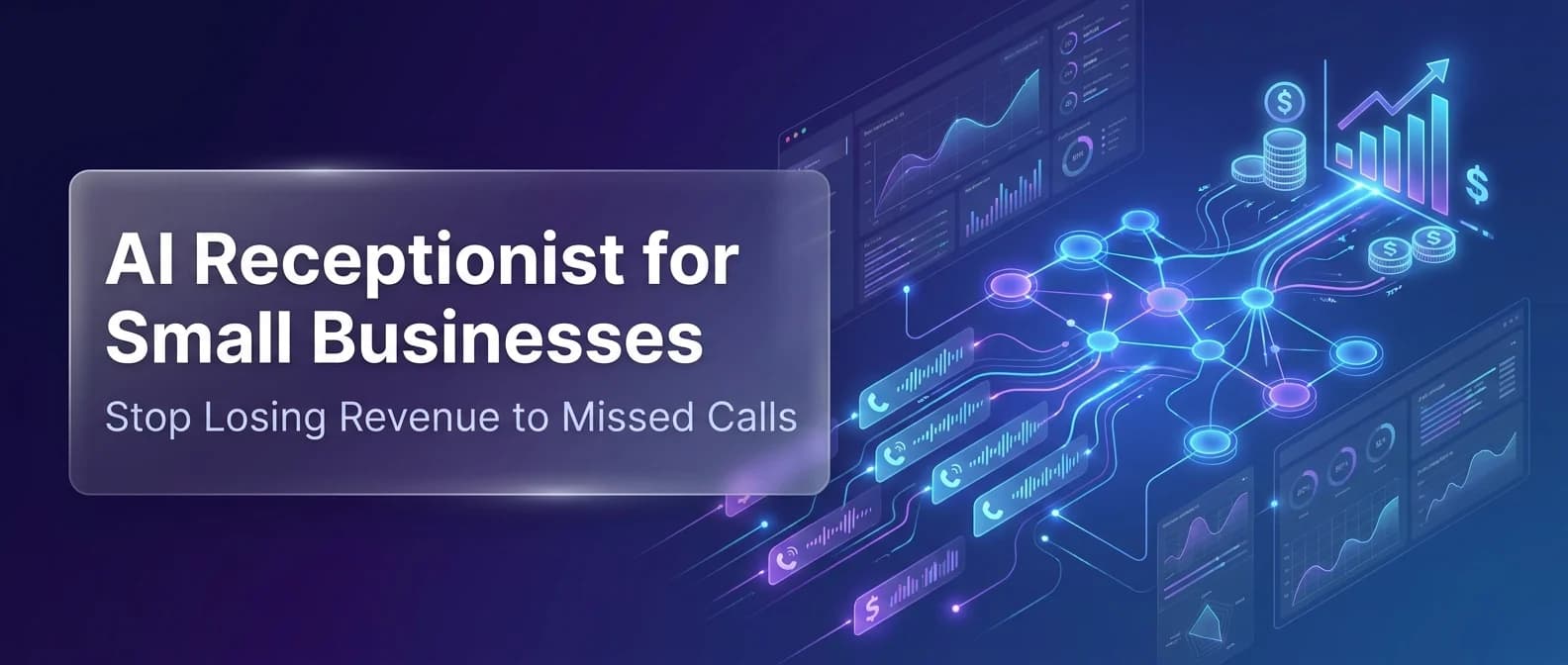
Your phone rings. You’re knee-deep in a job, finishing up a client meeting, or just overwhelmed with the day. The caller waits four seconds — then hangs up. That’s not an inconvenience. That’s lost revenue walking straight to your competitor.
Industry research shows that 60–80% of calls to small businesses go completely unanswered. For home services, healthcare, and professional service firms, that adds up to thousands of dollars in missed opportunities every single month.
An AI receptionist for small business is changing that equation — faster, cheaper, and more reliably than most owners expect. This guide breaks down exactly what these tools do, what they cost, and how to pick the right one.
Why Small Businesses Bleed Revenue Through Missed Calls
Most business owners underestimate how expensive a missed call actually is. When a potential customer doesn’t get a live answer, they move on immediately — no loyalty, no waiting. There’s no second chance in a Google search.
Research from NextPhone shows home services contractors miss 60–80% of incoming calls. If your business gets 42 calls a month and misses 60% of them, that’s 25 unanswered opportunities. At a 20% close rate and a $3,500 average job value, you’re losing $17,500 every month — often without realizing it.
Missed calls cost you more than the job — they cost you reputation. When ads drive traffic that can’t reach you, every click is wasted spend. Emergency calls that hit voicemail send customers straight to a competitor. They don’t wait, and they don’t call back.
Here’s what compounds the problem for small businesses:
- After-hours calls go straight to voicemail, and most callers never leave a message
- Paid ad leads that can’t reach you are marketing dollars thrown away
- Customers in 2026 expect instant responses — being put on hold is a dealbreaker
- Busy seasons spike call volume that staff can’t absorb without dropping the ball
- Every unanswered call is a warm lead handed directly to your competitor
The fix isn’t hiring more staff. It’s closing the gap with always-on automation.
What an AI Receptionist for Small Businesses Actually Does
An AI receptionist is not a phone tree. It’s not the frustrating “press 1 for billing” loop that drives callers away. It’s a voice-powered AI system that holds real, natural conversations — 24 hours a day, seven days a week — with no rigid script required.
Here’s what a modern AI receptionist handles on every inbound call:
- Answers in under 5 seconds, including nights, weekends, and holidays
- Collects caller name, contact number, and the purpose of their call
- Books appointments directly into Google Calendar or Outlook
- Answers FAQs about your services, hours, pricing, and service area
- Routes urgent calls instantly to a live person when needed
- Sends follow-up texts or emails to the caller after the interaction
- Logs full call transcripts into your CRM for easy follow-up
The technology behind this — natural language processing (NLP) — means the AI understands context, not just commands. A caller saying “my pipe just burst, I need someone now” gets flagged as urgent. A caller asking “do you guys even do weekends?” gets a direct, accurate answer.
For businesses already using AI appointment scheduling, an AI receptionist is the front-end piece that makes the whole workflow click.
Top AI Receptionist Solutions for Small Businesses in 2026
The market has matured considerably. You’re no longer choosing between a robotic IVR and a live operator — you’re choosing between well-built AI platforms purpose-built for small business operations.
| Platform | Best For | Starting Price | 24/7 Available | Calendar Integration |
| NextPhone | Unlimited calls for service businesses | $199/month | ✅ | Google, Outlook |
| Smith.ai | AI + human hybrid support | $97.50/month | ✅ | Multiple CRMs |
| IONOS AI Receptionist | Budget setups, fast onboarding | $9/month | ✅ | Basic scheduling |
| My AI Front Desk | Low-volume, pay-as-you-go | Per-minute pricing | ✅ | Google Calendar |
| Bookipi AI Receptionist | SMBs needing invoicing + scheduling | Bundled pricing | ✅ | Built-in CRM |
For real-world testing data and head-to-head performance stats, this best AI receptionist for small business guide is one of the most thorough available for 2026. For a bundled SMB perspective covering invoicing and CRM together, Bookipi’s AI receptionist roundup covers the broader context well.
The right platform depends on your call volume, how complex your inbound inquiries get, and how tightly you need it integrated with your existing tools. When evaluating any platform, pay close attention to how it handles interruptions and off-script questions.
A demo call with a clean script tells you very little. Real callers say things like “actually, make it Thursday” mid-booking. The AI needs to keep track, confirm the right slot, and not lose the appointment. That’s the real test.
The Real Cost vs. Value: What AI Receptionists Actually Save You
Here’s the math that makes this a clear decision. A full-time human receptionist and cold caller in the U.S. costs $35,000–$45,000 per year in salary alone — before benefits, sick days, or turnover. An AI receptionist runs $600–$2,400 annually. That’s a 15–20x cost advantage with round-the-clock coverage built in.
Traditional answering services cost $300–$700 per month for limited hours and restricted call types. They’re better than voicemail, but nowhere near the consistency or intelligence of a modern AI system.
| Option | Annual Cost | Coverage Hours | Missed Call Risk |
| Full-time receptionist | $35,000–$45,000 | 8 hrs/day, weekdays only | High (after hours) |
| Traditional answering service | $3,600–$8,400 | 24/7 (with call limits) | Medium |
| AI receptionist | $600–$2,400 | 24/7, unlimited | Very low |
| Voicemail only | $0 | N/A | Very high |
Cost savings alone don’t tell the full story. If your AI receptionist converts just two additional bookings per month at $1,500 each, it pays for itself in week one. That’s the ROI businesses in home services, healthcare, and professional services are seeing right now.
This is one of the clearest examples of practical AI workflow optimization — reducing operational cost without sacrificing service quality.
How to Set Up an AI Receptionist in Under a Day
Most platforms take minutes to configure, not weeks. Here’s how the standard setup process works:
- Choose your platform based on call volume, budget, and integrations you need.
- Add your business details — paste your website URL, and the AI scrapes your services, pricing, hours, and FAQs automatically.
- Configure your call actions — appointment booking, urgent transfer rules, and SMS follow-up templates.
- Get a forwarding number — typically $1–$2/month. No need to change your existing business line.
- Enable call forwarding — set your current number to forward unanswered calls to the AI.
- Test with real-world scenarios — run mock calls with off-script requests, urgency cues, and scheduling changes before going live.
The IONOS AI Receptionist is among the fastest to deploy — some users are live within 15 minutes of signing up. Don’t skip step six.
Real callers are unpredictable, and stress-testing your setup with messy, mid-sentence corrections is what separates a reliable rollout from a frustrating one.
Which Industries Benefit Most from AI Receptionists
AI receptionists deliver the strongest returns in service-based businesses with frequent, predictable inbound calls. The more routine and schedulable your call types, the more an AI can handle without escalating to a human.
That said, performance varies meaningfully by industry. The table below maps the highest-ROI sectors to their most common use cases.
| Industry | Primary Use Case | Key Business Benefit |
| Home Services (HVAC, plumbing, cleaning) | Emergency routing, appointment booking | Capture leads around the clock |
| Healthcare & Dental | Scheduling, patient FAQs | Reduce front-desk workload |
| Legal | Lead intake, callback scheduling | Pre-qualify before committing human time |
| Real Estate | Property inquiries, showing bookings | 24/7 lead capture from listings |
| Retail & E-commerce | Order status, returns, store hours | Reduce inbound support volume |
| Recruitment & Staffing | Candidate screening, interview scheduling | Scale outreach without adding headcount |
Businesses exploring how AI helps businesses grow consistently find that call handling is the fastest, most tangible win — visible from day one, with no complex onboarding required.
Is an AI Receptionist the Right Call for Your Business?
For most small businesses operating with lean teams, limited front-desk support, or owners who handle their own calls — the answer is almost always yes. If any of the following apply to you, the investment makes strong sense:
- You miss calls during business hours or after hours on a regular basis
- You’re running paid ads — but not answering every call those ads generate
- You handle 20 or more inbound calls per month
- Scheduling takes up meaningful staff or owner time each day
- You’ve lost a customer because your line went to voicemail
The one scenario where pure AI falls short: businesses where every call is complex, sensitive, or requires professional judgment. In those cases, a hybrid model — like Smith.ai — routes routine calls to AI and escalates the rest.
For businesses ready to go further, building and deploying AI agents opens up multi-step automation beyond standard call handling.
This spans CRM updates, lead scoring, and automated follow-up workflows in one connected system. Zoom’s take on never missing a customer call also offers a useful platform-agnostic lens, and Isometrik’s guide to building and deploying AI agents goes deeper on the automation layer behind it.
AI receptionist for small business isn’t a luxury anymore. It’s table stakes in a market where the first business to answer wins the customer — every single time.